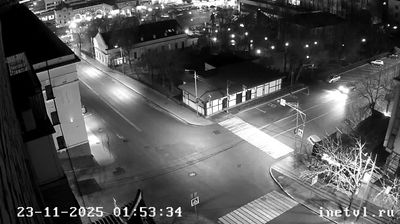
كراسنودار › شرق
 كراسنودار, روسيا
Real-Time Environment
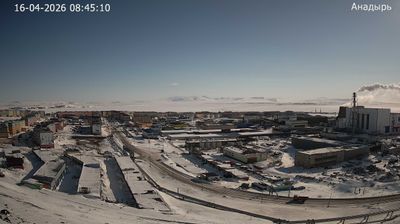
Welcome to the live streaming webcam for كراسنودار › شرق, perfectly situated in the vibrant region of كراسنودار, روسيا. Watching this live camera allows you to instantly experience the local atmosphere and monitor current climate conditions.

About كراسنودار
كراسنودار هي إحدى مدن روسيا في الكيان الفدرالي الروسي كراسنودار كراي. عدد سكانها 700000 نسمة. قام بتأسيس مدينة يكاتريندار عام 1792 احفاد قوزاق منطقة زابوروجيه الذين هاجروا إلى اراضي القوبان الخصبة بأمر من امبراطورة كاترينا الثانية بعد أن قامت روسيا بضم الأراضي الواقعة في شمال غرب القوقاز نتيجة انتصاراتها على تركيا. وكانت المدينة اولا معسكرًا تحول تدريجيا إلى قلعة قام القوزاق في داخلها بإنشاء 40 منزلا قوزاقيا كما هو معتاد لديهم. وكانت المستوطنات تحيط بكنيسة الثالوث المقدس المبنية من الخشب. ولم يتجاوز عدد السكان في المدينة عام 1794 600 نسمة يسكنون في 104 منزلا قوزاقيا.
📖 Read more on Wikipedia📍 Location Facts
-
Country
 روسيا
روسيا
- Region منطقة كراسنودار
- City كراسنودار
- Coordinates 45.0680°N, 38.9835°E
Have you been to كراسنودار?
Help the community! Share your experience, tell us about the weather, or upload your own photos from this exact location.